Dashboards and CRMs
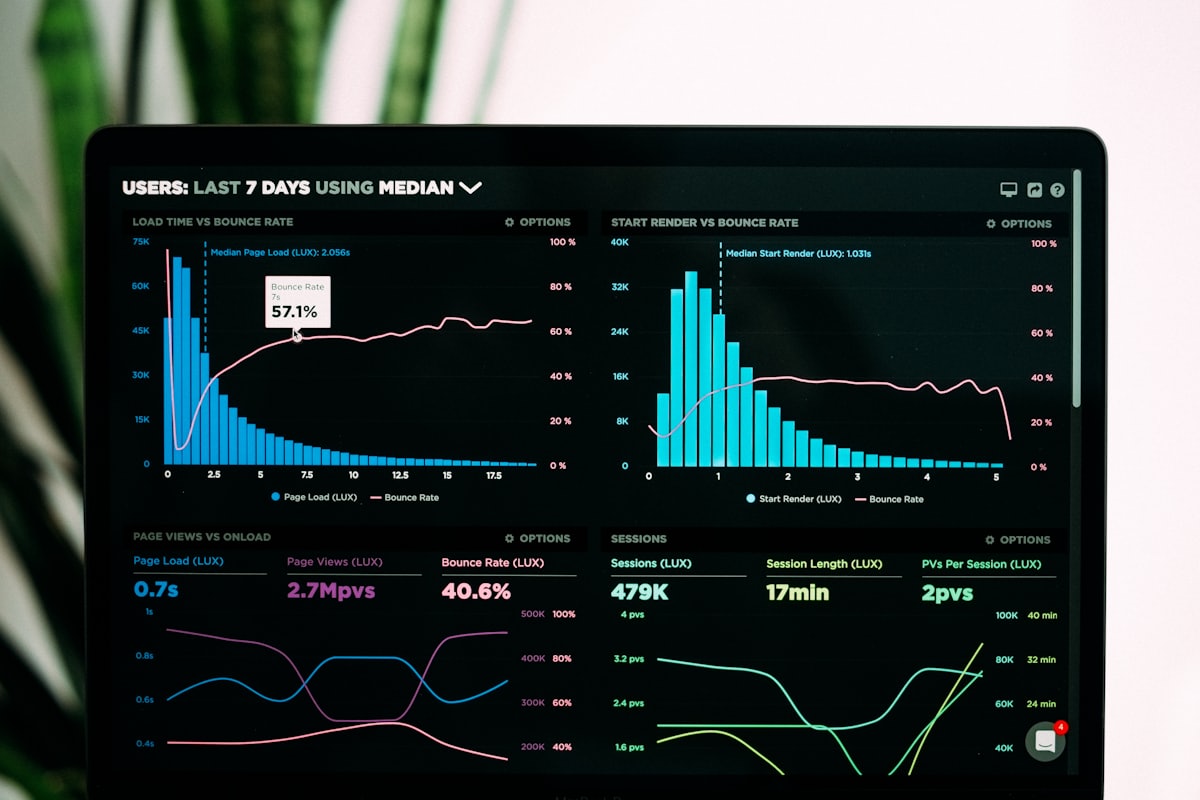
A CRM (customer relationship management system) keeps every lead, customer, and conversation in one place. A reporting dashboard pulls live data from your CRM, booking, payment, and marketing tools onto one screen. Together they show where revenue comes from and where leads slip away, without manual spreadsheets. When an off-the-shelf CRM doesn't fit how you sell, I build a custom CRM for your small business, or just the missing piece that connects to the one you already use.
What does a CRM and dashboard do for your business?
Every lead in one place
No more leads living in inboxes, notebooks, and text threads. Every contact and conversation is tracked.
Decisions based on real numbers
See revenue, lead sources, conversion, and team performance live, without building a report.
Built around how you work
A CRM set up around your pipeline and your industry, with tasks and reminders so every lead gets followed up. Already like your CRM? I can build the missing piece instead of moving you off it.
Use cases
- 01Full-funnel pipeline from first touch to closed revenue, with lead-source attribution
- 02An owner's dashboard: bookings, close rate, average ticket, and cash collected in real time
- 03Marketing ROI by channel: cost per lead and customer acquisition cost
- 04Speed-to-lead and response-time tracking for every rep
- 05Customer lifetime value and churn signals that flag at-risk accounts early
- 06Multi-location rollups with drill-down by site, team, or service line
- 07CRM migration and cleanup: deduplicated records, mapped fields, retired spreadsheets
Examples by industry
Track every estimate from request to signed job, by lead source and by technician.
Combine sales, ad spend, and inventory into one daily view.
Manage the client pipeline, billable work, and renewals in one CRM.
Compare performance across locations from a single dashboard.
Monitor response times, follow-up, and close rates by rep.
Have I built this before?
I built a command center for a fintech onboarding team: work queue, SOP library, activation tracking, and an operations agent. I work in Salesforce, HubSpot, Zoho, and Airtable. See the projects →
How do I get started with a CRM or dashboard?
- 01Start with a free 30-minute discovery call. You describe how calls, leads, and follow-up move through your business. I tell you where I'd start and what it's worth.
- 02You get a clear, written quote before any work begins. Pricing depends on the scope of the project, so there are no surprises later.
- 03You choose the route, and I build it with you. You work with me directly the whole way through, and you'll know exactly what I'm building and why before I start.
Dashboards and CRMs FAQ
What is a CRM and does my small business need one?+
A CRM (customer relationship management system) tracks every lead, customer, and conversation. If leads come from more than one place or more than one person follows up, a CRM usually pays for itself.
What is the best CRM for a small business?+
It depends on your size, budget, and workflow. I work in HubSpot, Salesforce, Zoho, and Airtable, and recommend the one that fits rather than the most expensive one.
Can a dashboard pull from the tools I already use?+
Yes. Dashboards connect to your CRM, booking software, payment processor, ad accounts, and spreadsheets, so the numbers update on their own. To see what to track first, read my free guide, Speed to Lead.